How to Relocate Office Equipment Without Damage
Moving a workplace or a home office without damage comes down to three things: a plan before moving day, the right packing materials for furniture and everyday equipment, and a clear order for how things come out of the old space and go into the new one. Movers Near Me, LLC describes help for homes, apartments and businesses on its moving services, local moving and packing and unpacking pages, including office furniture and general commercial packing. This guide covers how to prepare furniture, files and everyday electronics, and what to ask about or arrange with a specialist.
Start with a plan
Walk through the space and make a list of every item that is moving: computers and monitors, phones, printers, network gear, desks, chairs, filing cabinets and supplies. Decide what is staying behind, what is being replaced and what needs special handling. Then set a date that causes the least disruption, often a weekend or evening.
- Assign one person to coordinate with the movers.
- Tell staff and clients about the move date and any downtime.
- Sketch a floor plan for the new space so items go to the right place on arrival.
Back up before you pack
Before any equipment moves, back up your data and confirm the backup works. Note login details for network equipment, and take photos of cable connections so setup at the new location is faster. Keep backup drives with you, not on the truck.
Pack electronics carefully
Computers and monitors
Power down fully, unplug cables and label each one. Use the original boxes if you still have them. If not, wrap monitors in padded material, keep screens from touching each other and pack them upright in sturdy boxes with extra cushioning on the sides. Back up data first and keep backup drives with you, not on the truck.
Printers and small peripherals
For a desktop printer or similar small device, remove toner or ink if the manufacturer recommends it, secure moving parts and wrap the unit in padding. Large copiers, production machines and servers are a different category. Ask whether a general move includes them, and if not, arrange a specialist or the equipment vendor.
Network equipment and phones
Bag the cables for each device and label them. Pack routers and switches in small boxes with padding, and keep small parts together in a labeled bag taped to the device. If you have a server closet or a phone system, plan that work with your IT provider rather than leaving it for moving day.
Move furniture the right way
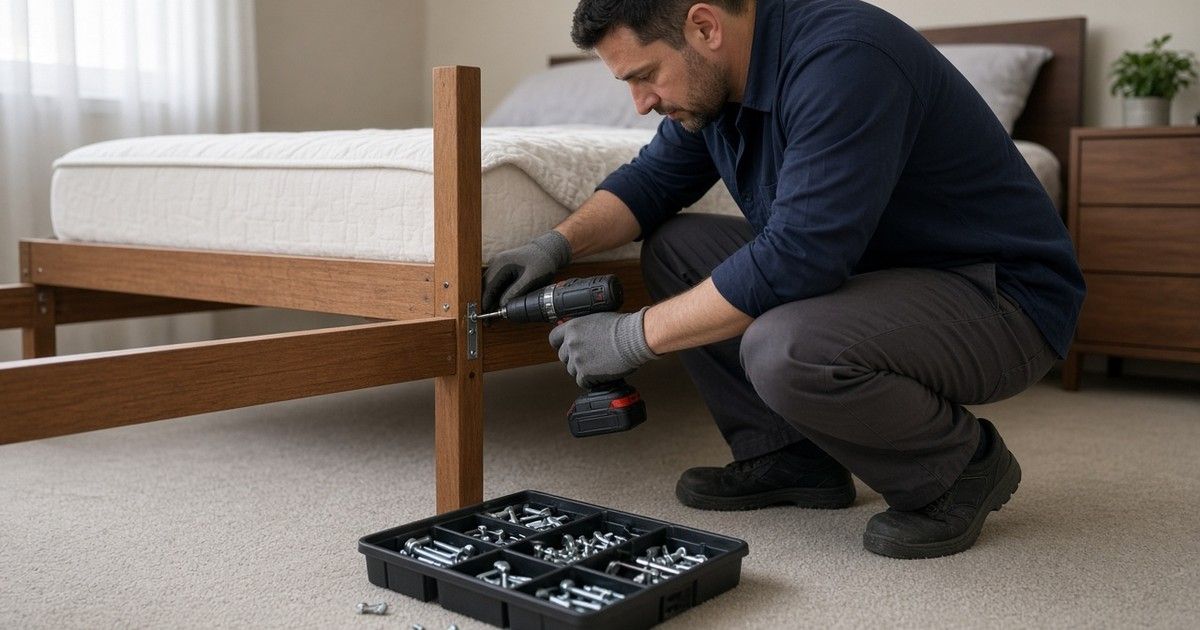
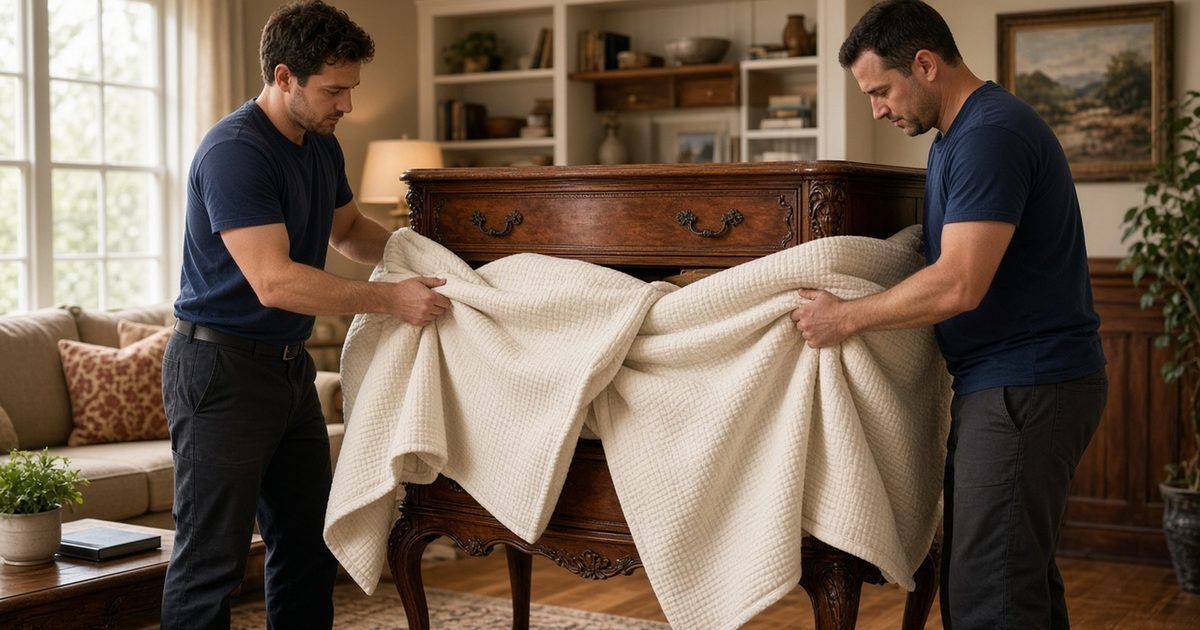
Desks, bookshelves and conference tables are heavy and easy to scratch. Empty drawers, remove loose shelves and wrap surfaces in moving blankets. Large desks and modular pieces often move more safely when taken apart, and our furniture assembly and disassembly service can handle that and put them back together at the new location. If you are moving just a single desk or a large filing cabinet, we move single pieces of furniture too.
Files and supplies
- Use small boxes for paper files, since full boxes get heavy fast.
- Number boxes and keep a simple inventory by department or person.
- Pack confidential files separately and move them in a way you can track.
For help with boxes, materials and organized unpacking, see our packing and unpacking service.
Unusual or heavy items
Safes, servers and large copiers often need a specialist or the equipment vendor. List them when you request a quote and ask what the crew can take; do not assume they are part of a standard office-furniture move. Appliances such as a break-room refrigerator and fitness equipment in an on-site gym can be discussed as part of the job. Movers Near Me, LLC moves appliances and home gym equipment. For other unusual pieces, start with the specialty item moving page and confirm the details in writing.
Moving day checklist
- Confirm access, parking and elevator reservations at both locations.
- Keep a copy of your floor plan at the new space.
- Have one person at each end to direct placement.
- Check each item off your inventory as it arrives.
- Set up internet, phones and workstations first so staff can start work.
Planning an office move in phases
- Take inventory. List computers, monitors, printers, phones, furniture and files.
- Back up data. Make sure important files are saved before any equipment is unplugged.
- Label everything. Mark equipment and cables with the user or desk it belongs to.
- Plan the new layout. A simple floor plan means furniture goes where it belongs on the first trip.
- Schedule around business hours. Choose a time that limits downtime for your team.
Small things that save time
Take photos of cable setups before disconnecting them, keep small parts in labeled bags and move critical equipment, such as the computers used for taking payments or calls, so they are ready first. Let your team know the schedule in advance so everyone can clear desks and pack personal items.
Planning checklist for the weeks before
- Choose a move date and notify clients, vendors and the postal service.
- Inventory furniture, equipment and records, and decide what will be discarded.
- Reserve parking, elevators and building access with both buildings.
- Arrange for phone and internet at the new location before move day.
- Label everything by employee or department and by room at the new office.
- Pack and label sensitive records separately, and decide who will transport them.
More questions people ask
How should computer equipment be packed?
Back up data first. Pad each item, use sturdy boxes, keep cables and accessories together and load electronics where they will not shift. Ask your IT provider to handle disconnection and setup for anything critical.
Can a mover take safes, servers or large copiers?
Ask in advance, and be prepared to arrange a specialist or the equipment vendor if the answer is no. See specialty item moving for the kinds of items the company describes, and mention anything unusual when you request a quote.
A commercial furniture and workspace checklist
Live service pages for Movers Near Me, LLC describe help with homes, apartments and businesses, including office furniture and general commercial packing. Use a checklist that matches that kind of work, and treat specialized equipment as a separate conversation.
- Inventory desks, chairs, tables, filing cabinets, bookcases and boxes of supplies, and note what will be discarded or replaced.
- Sketch a floor plan of the new space so furniture can be placed on the first trip.
- Reserve parking, loading areas and elevators with both buildings, and ask about certificates of insurance or weekend access.
- Label furniture and boxes by room or desk, and empty filing cabinets before they are moved.
- Back up computers yourself, or with your IT provider, and keep backup drives with you.
- Pack monitors and small electronics in padded boxes if you are handling them, and label cable bags clearly.
What to ask about, or arrange with a specialist
Servers, large copiers and safes often need a specialist, the equipment vendor or a company that focuses on those items. Do not assume a general move includes them. When you request a quote, list anything unusual and ask what the crew can take. Arrange the rest separately so those pieces are not left behind or handled in a way they were not meant to travel. Appliances and home gym equipment are services Movers Near Me, LLC offers; other specialty pieces are covered on the specialty item moving page, which you can use as a starting point for questions.
How do I limit downtime?
Move on a weekend or evening if the building allows it, set up the network and a few workstations first and tell staff when systems will be unavailable. The less that has to be invented on the day, the shorter the interruption.
Get help with your move
Movers Near Me, LLC is based in Candler, NC and serves Asheville and Western North Carolina. Learn more about our moving services, call (828) 365-8056, or request a free quote.